
Smartphones hold sensitive business data, personal information, banking apps, passwords, customer communication, and important files. When an Android device compromised situation occurs, the risks can quickly escalate from minor inconvenience to major financial or data loss. Many users fail to notice the early signs of a hacked device until serious damage has already happened.
Cybercriminals are increasingly targeting Android devices because they are widely used in both personal and business environments. From suspicious app behavior to hidden tracking attempts, the warning signs are often subtle at first. This is where advanced Android security and remote device management solutions such as Mobile Kavach play an important role.
With features like geofencing, remote locking, SIM monitoring, device tracking, and advanced phone controls, Mobile Kavach helps users and businesses maintain better control over Android devices while reducing security risks.
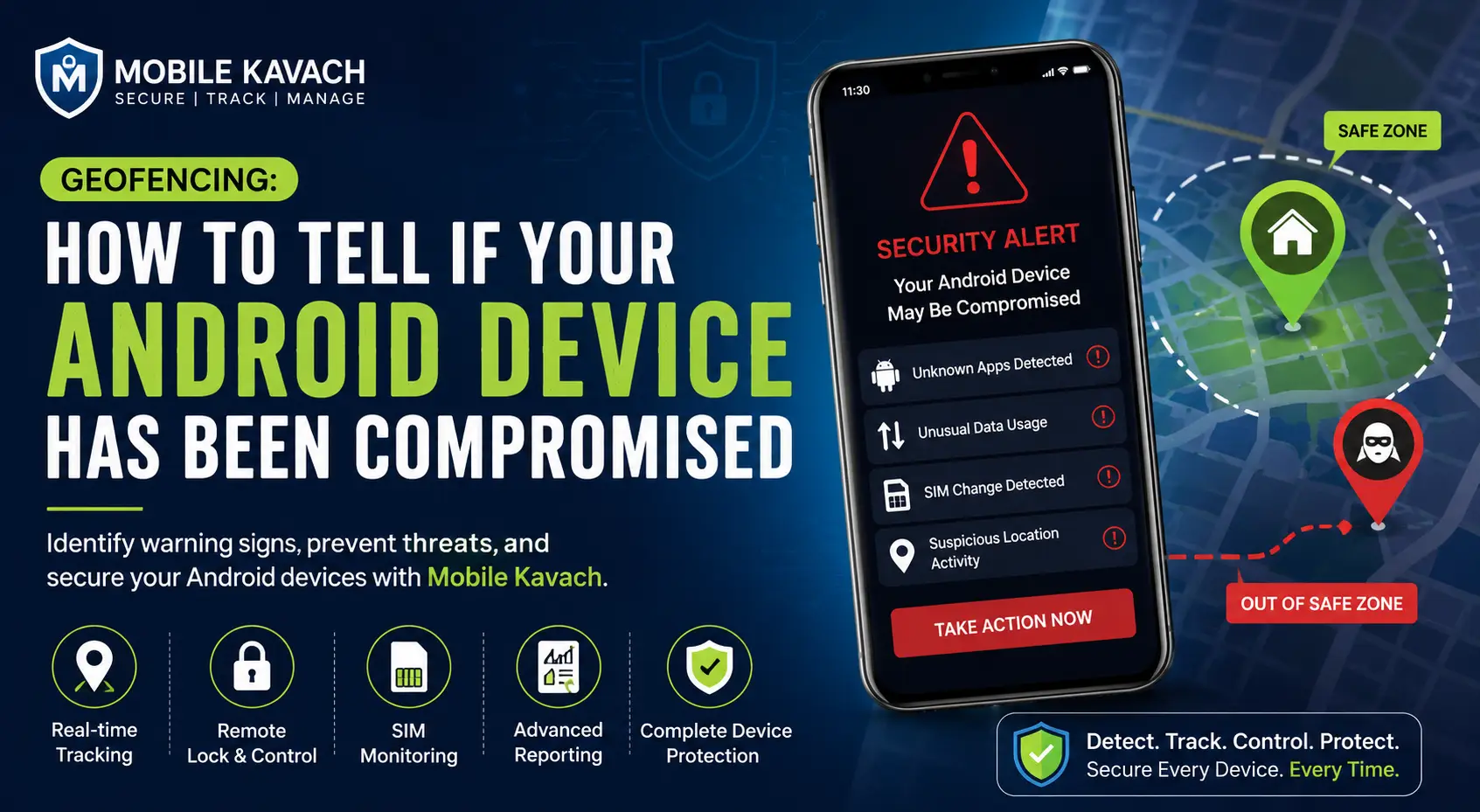
What Does an Android Device Compromised Situation Mean?
An Android device compromised condition means unauthorized access or malicious activity has affected the device. This may happen through:
- Malware or spyware installation
- Phishing links
- Unsafe app downloads
- Public Wi-Fi attacks
- Unauthorized SIM changes
- Remote hacking attempts
- Rooting without permission
Once a phone is compromised, attackers may access sensitive information, monitor activities, steal credentials, or misuse company data.
Businesses managing field teams, delivery agents, sales staff, or company-owned smartphones are especially vulnerable because a single compromised device can expose critical operational information.
Signs Your Android Phone Is Hacked
Recognizing the early symptoms is essential for preventing further damage. Here are the most common signs your Android phone is hacked.
1. Battery Drains Faster Than Normal
A sudden battery drain may indicate malicious apps running continuously in the background. Spyware and hidden tracking software consume processing power and network activity even when the device appears idle.
If the battery performance drops unusually without heavy usage, it could be an Android security warning sign.
2. Unusual Data Usage
Hackers often transfer stolen data silently through background internet activity. Increased mobile data consumption without explanation may indicate spyware or unauthorized monitoring tools.
Using a mobile security app with reporting capabilities helps monitor unusual device behavior effectively.
3. Device Overheating Frequently
An infected device may remain active continuously due to hidden malicious processes. If your phone becomes excessively hot during normal usage, it may require immediate security inspection.
4. Random Pop-Ups and Suspicious Ads
Unexpected advertisements, browser redirects, or unknown app installations are common indicators of malware infection.
This is one of the clearest Android security warning signs many users ignore initially.
5. Unknown Apps Appear Automatically
If unfamiliar apps suddenly appear on the device, someone may have remotely installed software or malware.
Businesses should use centralized device management systems to prevent unauthorized app installations.
6. SIM Card Activity Changes
Unexpected SIM replacement notifications, sudden loss of network connectivity, or unauthorized number changes may indicate SIM-related fraud attempts.
Mobile Kavach’s SIM monitoring feature helps businesses track active SIM status and receive alerts for suspicious activity.
7. Slow Performance and Frequent Crashes
A hacked Android phone often becomes unstable because malicious applications consume memory and processing resources.
Repeated app crashes, freezing, or delayed response times should never be ignored.
Android Security Warning Signs Businesses Should Never Ignore
Businesses managing multiple Android devices face greater risks because compromised devices can expose customer data, financial records, and internal communication.
Common Business Risks Include:
- Data theft
- Employee tracking manipulation
- Unauthorized app installations
- Device misuse
- Location spoofing
- Security policy violations
- SIM swapping attacks
For industries such as logistics, retail, field services, financing, and delivery operations, maintaining secure Android devices is essential.
This is why companies are increasingly adopting remote Android security and device management solutions instead of relying only on basic antivirus apps.
How Geofencing Helps Identify Suspicious Device Activity
Geofencing is one of the most effective mobile security technologies for monitoring device movement and detecting suspicious behavior.
A geofence creates a virtual boundary around a specific area such as:
- Office locations
- Warehouses
- Restricted zones
- Retail stores
- Employee operating areas
When a device enters or exits the predefined area, alerts and actions can be triggered automatically.
Example Scenario
Imagine a company-owned Android device assigned to a field employee. If the device suddenly moves outside the approved operational region during unusual hours, administrators can receive alerts instantly.
This helps organizations:
- Detect potential theft
- Prevent unauthorized device usage
- Monitor suspicious movement patterns
- Improve employee accountability
Mobile Kavach integrates geofencing with advanced mobile device tracking and remote management features for enhanced security visibility.
How to Know if Android Is Hacked Using Mobile Kavach
Understanding how to know if Android is hacked becomes easier when using a centralized Android security platform.
Mobile Kavach provides businesses and individuals with multiple tools to monitor and secure Android devices remotely.
Key Features That Help Detect Security Threats
Real-Time Device Tracking
Track device location continuously and monitor suspicious movement activity.
SIM Monitoring
Receive alerts if SIM cards are changed or unauthorized numbers become active.
Remote Locking
Instantly lock compromised devices remotely to prevent data misuse.
App Installation Controls
Restrict unauthorized applications from being installed.
USB Debugging Prevention
Prevent advanced hacking attempts using USB debugging access.
Hard Reset Prevention
Reduce the risk of thieves resetting devices to bypass security controls.
Device Health Reporting
Monitor device activity, status, and abnormal behavior patterns.
Warning Audio Alerts
Trigger security alerts remotely when devices are lost or stolen.
Benefits of Using Mobile Kavach for Android Security
Stronger Device Protection
Mobile Kavach provides layered Android security through tracking, control, monitoring, and remote management features.
Improved Business Compliance
Organizations can enforce security policies consistently across all managed Android devices.
Reduced Risk of Data Theft
Remote locking and app control features minimize unauthorized access risks.
Better Device Visibility
Administrators gain complete visibility into device activity, location, SIM usage, and security status.
Faster Incident Response
In case of theft or suspicious activity, businesses can take immediate action remotely.
Enhanced Employee Device Management
Companies using field devices can improve accountability and operational efficiency.
How Mobile Kavach Works
Understanding how the platform works helps users maximize Android device protection.
Step 1: Device Enrollment
Install the Mobile Kavach mobile security app on Android devices and configure administrative permissions.
Step 2: Set Security Policies
Customize controls such as:
- App restrictions
- Camera access
- File transfer permissions
- PIN management
- Outgoing call controls
- USB debugging restrictions
Step 3: Enable Tracking and Geofencing
Create geofenced zones and activate mobile device tracking for real-time monitoring.
Step 4: Monitor Device Activity
Use reporting dashboards to monitor:
- Device health
- SIM status
- Security alerts
- User activity
- Device location
Step 5: Take Remote Action
If suspicious behavior is detected, administrators can:
- Lock the device
- Trigger warning alerts
- Reboot remotely
- Restrict usage
- Prevent unauthorized resets
Signs Your Android Phone Is Hacked While Traveling or Working Remotely
Remote workers and travelers face additional Android security risks due to:
- Public Wi-Fi usage
- Unsecured charging stations
- Third-party app downloads
- Device theft exposure
A compromised Android phone during travel can expose confidential company data or financial accounts.
Mobile Kavach helps reduce these risks through remote control and mobile security monitoring capabilities.
Best Practices to Prevent a Hacked Android Phone
Even with strong Android security tools, users should follow basic protection measures.
Recommended Security Practices
- Download apps only from trusted sources
- Avoid suspicious links and attachments
- Enable strong PIN or password protection
- Keep Android software updated
- Monitor device permissions regularly
- Use remote locking and tracking tools
- Restrict USB debugging access
- Monitor SIM activity continuously
Why Businesses Need Advanced Android Device Management
Basic antivirus applications often fail to provide centralized control, tracking, and remote security management.
Businesses require:
- Centralized monitoring
- Remote device control
- Compliance management
- Theft prevention
- Real-time alerts
- Geofencing capabilities
Mobile Kavach offers an integrated platform designed specifically for Android security and enterprise-level device management.
FAQ
How can I tell if my Android device is compromised?
Common signs include battery drain, overheating, unusual pop-ups, unknown apps, slow performance, and unexpected data usage.
Can hackers control Android devices remotely?
Yes. Malware or unauthorized apps can sometimes allow remote access and monitoring if the device is compromised.
What should I do if I suspect my Android phone is hacked?
Immediately disconnect from public networks, uninstall suspicious apps, change passwords, and use remote locking features if available.
How does geofencing improve Android security?
Geofencing helps monitor device movement and sends alerts when devices leave approved locations, helping detect theft or unauthorized usage.
Why is SIM monitoring important?
SIM monitoring helps identify unauthorized SIM swaps or suspicious mobile network activity that could indicate fraud attempts.
Conclusion
An Android device compromised situation can create serious privacy, financial, and operational risks for both individuals and businesses. The earlier you identify Android security warning signs, the faster you can prevent data theft, unauthorized access, and device misuse.
Modern Android security requires more than traditional antivirus protection. Businesses and users need complete visibility, remote control, SIM monitoring, geofencing, and proactive device management capabilities.
Mobile Kavach provides a comprehensive Android security and remote device management platform designed to help organizations and individuals secure their devices effectively. From remote locking and tracking to advanced reporting and security controls, Mobile Kavach helps keep Android devices protected against evolving threats.
Protect your Android devices before security risks become serious problems. Contact Mobile Kavach to strengthen your mobile security infrastructure with smarter Android device management solutions.